Clipboard that protects your keys
History of everything you copy — except the dangerous parts. API keys (sk-, ghp_, AIzaSy), JWTs and SSH keys are detected and never saved. Quick AI actions built in: Explain, Summarize, Translate RU ↔ EN.
 HyperNotch
Free & open source · MIT · macOS 14+
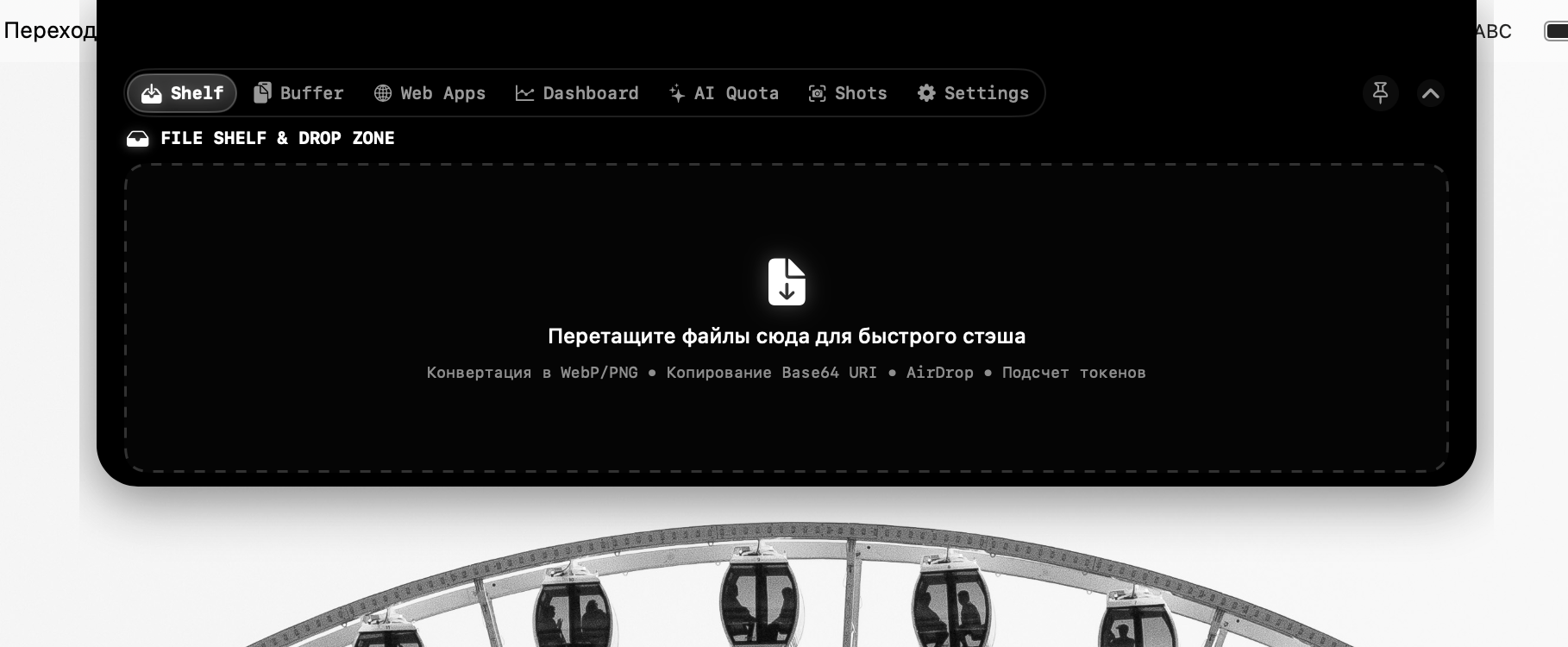
HyperNotch turns the MacBook notch into an AI & developer workspace: a smart file shelf, a clipboard that redacts your API keys, offline OCR, a live token & cost calculator and an AI quota tracker — one hover away.
Showcase
Features
History of everything you copy — except the dangerous parts. API keys (sk-, ghp_, AIzaSy), JWTs and SSH keys are detected and never saved. Quick AI actions built in: Explain, Summarize, Translate RU ↔ EN.
Live pricing per provider and model, fetched straight from the APIs. Know the cost before you send the prompt.
One click sets a macOS Clock alarm and a Reminder for the exact minute your quota resets.
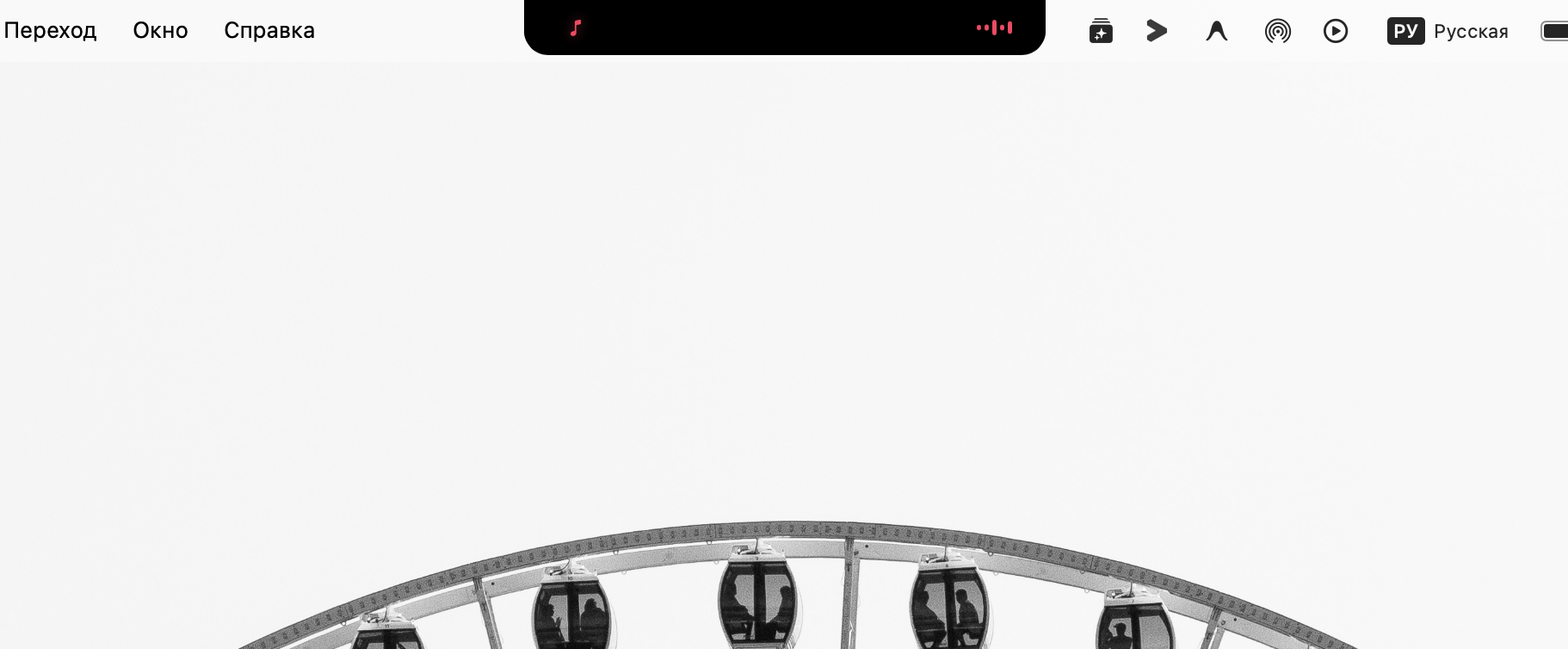
Spotify & Apple Music with live waveform, artwork and playback controls in the notch.
Pomodoro sprints (25 / 15 / 5 min) with the countdown living right in the notch.
HyperNotch watches your local dev servers — localhost:3000, :5173, :8000, Ollama on :11434 — and opens them in your browser of choice in one click. Two interface themes (Engineering V2 & Classic Glass) and a bilingual EN/RU UI, switchable instantly.
Privacy & security
API keys are stored in Apple Keychain with Secure Enclave protection — never in plain-text files.
Text recognition runs on the Neural Engine via Apple Vision. No screenshot ever leaves your Mac.
No analytics, no trackers, no hidden network calls. Verify it yourself — the code is open.
Screen Recording is requested only for OCR, under standard macOS TCC controls.
Get started
.dmg from GitHub Releases.Or build from source
git clone https://github.com/qawwali6969/HyperNotch.git
cd HyperNotch
./package.sh
open build/HyperNotch.app
Requires macOS 14+, Xcode Command Line Tools, Swift 5.9+.
Compare
| HyperNotch | NotchNook | Boring Notch | Alcove | |
|---|---|---|---|---|
| Price | Free | $25 / $3 mo | Free | $14.99 |
| Open source | Yes (MIT) | No | Yes | No |
| AI quota tracker | Yes | No | No | No |
| Token & cost calculator | Yes | No | No | No |
| Clipboard secret filter | Yes | No | No | No |
| Offline OCR | Yes | No | No | No |
| File shelf | Yes | Yes | Yes | No |
| Music HUD | Yes | Yes | Yes | Yes |
FAQ
Yes — free and open source under the MIT license. No subscriptions, no paid tiers, no telemetry.
Any Mac running macOS 14 (Sonoma) or newer, Apple Silicon (M1–M4) and Intel. It shines on notched MacBooks; on other Macs it renders at the top of the screen.
Only the OCR / screenshot tool needs it — macOS requires that permission to capture a screen area. Everything is processed on-device and never uploaded.
In Apple Keychain, protected by Secure Enclave — never in plain-text config files. The clipboard history also auto-redacts keys and tokens so they never get saved.
Open an issue on GitHub — github.com/qawwali6969/HyperNotch/issues.
Free forever. Two minutes to install.